AI & Fogeys

AI Tools for Adults 50+:

A Practical Guide | Fogey Freedom

AI That Feels Like Freedom — Not Frustration

You’ve lived a rich life full of stories, wisdom, and purpose. Now AI can help you share it more easily, reconnect with family, track what matters for your health and humor, and step into the next revealing chapter - without the usual tech overwhelm.


Karen and I have embraced AI as a time saving creation tool. Which AI do we use? ChatGPT, Grok, Gemini, Perplexity, and Claude. There are so many out there, but you don’t want to get bogged down with “tools“. We will call out several AI tools and a brief description of each. Like anything else, use what works for you and discard the rest, until you don’t.

Karen and Pete have been using AI tools daily since 2024. ChatGPT helps Karen draft client communications in half the time. Gemini helps Pete research topics he's curious about. Perplexity gives both of them fast, sourced answers without the rabbit-hole problem. We are not tech experts. We are Fogeys who figured it out — and we'll show you exactly how.


AI for Adults 50+ in 2026: Practical Ways to Save Time, Stay Safe, and Feel More Confident

If you’ve searched for “AI for 50+ Fogey’s,” you’re probably not looking for tech hype. You want practical answers. What can artificial intelligence actually do for adults 50+ in everyday life? Can it help with appointments, travel, caregiving, paperwork, writing, health questions, and avoiding scams? And is it still possible to use AI without feeling like you need a computer science degree?

The answer is yes.

In 2026, AI is becoming less about novelty and more about usefulness. Tools like ChatGPT, Google Gemini, Microsoft Copilot, Claude, and Perplexity are helping everyday people get faster answers, organize information, draft messages, and understand confusing topics in plain English.

For adults 50+, that matters. Whether you are still working, managing a household, caring for a parent, planning retirement travel, or simply trying to stay organized, AI can act like a patient assistant that never gets tired of your questions.

This guide breaks down how AI can help mature adults in real life, where it saves the most time, and how to use it safely.

What AI means for adults 50+ in 2026

At its best, AI is not a replacement for your judgment. It is a helper.

Think of it as a tool that can:

  • explain things in simpler language

  • draft and rewrite emails or letters

  • summarize long articles, documents, or messages

  • brainstorm ideas when you feel stuck

  • help plan trips, meals, schedules, and routines

  • turn speech into text and text into clearer communication

  • answer follow-up questions without making you feel rushed

That combination is especially useful for adults 50+ because it reduces friction. Instead of spending 45 minutes searching five websites, comparing confusing advice, and trying to decode jargon, AI can give you a clear starting point in a few seconds.

Here’s a quick look at where AI is most helpful.

10 Practical Ways AI Can Assist Adults 50+ in 2026

1. It can translate confusing paperwork into plain English

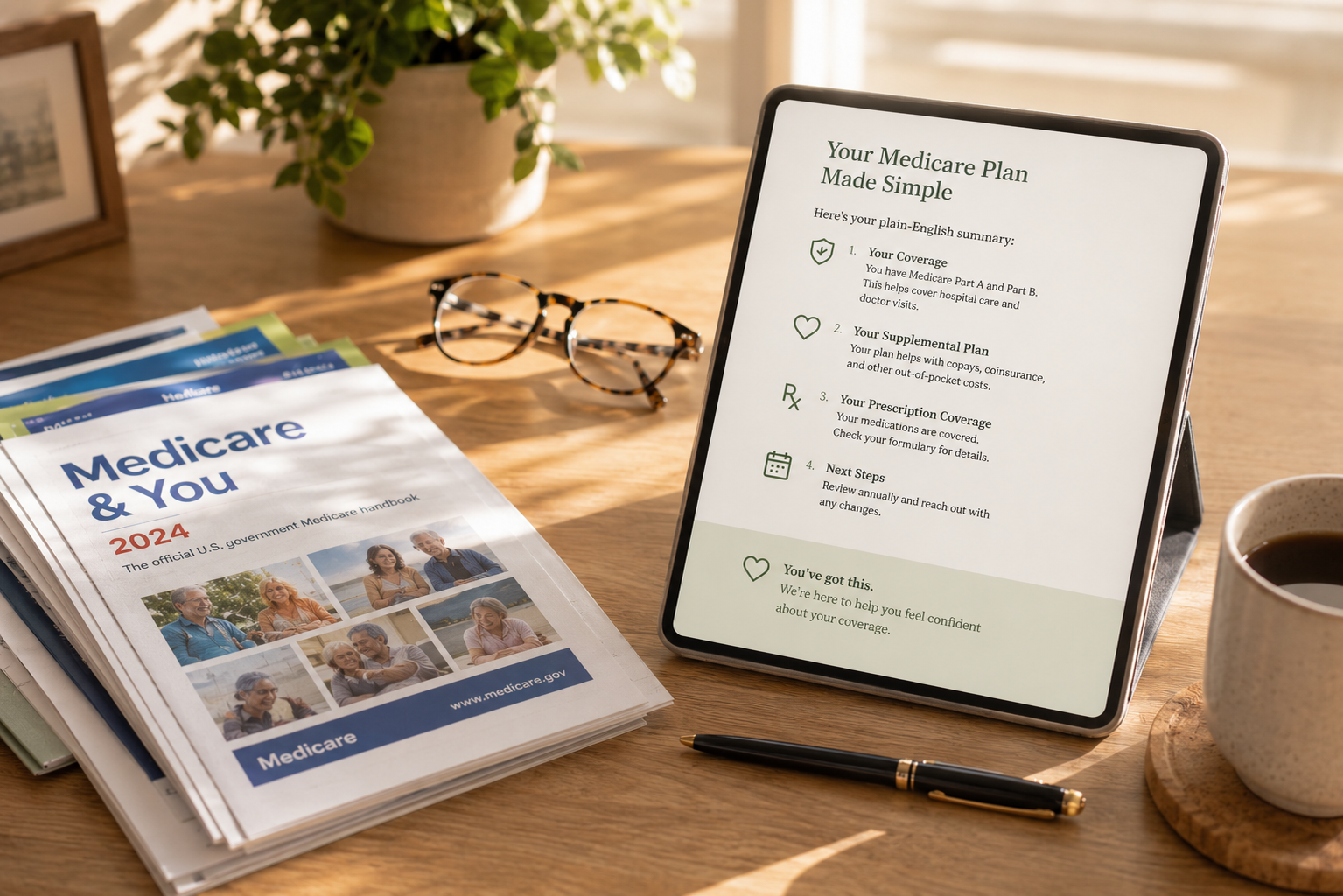
Medical bills, Medicare notices, insurance letters, bank documents, and legal forms often feel like they were written to confuse people on purpose. AI can help you understand what a document says before you take action.

You can paste in text or upload a document and ask:

“Summarize this in plain English.”
“What do I need to do next?”
“What deadlines or fees should I look for?”
“What questions should I ask before signing this?”

This does not replace advice from a lawyer, doctor, or financial professional. It does give you a clearer starting point, which can help you walk into those conversations better prepared.

2. It can help you write emails, texts, and letters faster

A lot of adults 50+ are juggling family communication, volunteer commitments, work projects, social plans, and follow-ups. AI is excellent at turning rough thoughts into polished writing.

You might type:

“Write a friendly text to my daughter asking if Sunday still works for dinner.”
“Draft a professional email asking for a billing correction.”
“Rewrite this message so it sounds warm, not too formal.”

This is one of the easiest ways to start with AI because the payoff is immediate. You save time, reduce stress, and avoid staring at a blank screen.

3. It can support caregiving and family coordination

Many adults over 50 are caring for aging parents, supporting a spouse, helping adult children, or all three at once. AI can help organize the mental load.

Try using it to:

  • create appointment checklists

  • build medication tracking templates

  • draft questions before doctor visits

  • summarize family updates into one message

  • create meal plans or grocery lists for special diets

Organizations like the National Institute on Aging and AARP offer helpful aging and caregiving resources, and AI can help you turn that information into an action plan that fits your household.

4. It can make travel easier and less overwhelming

Travel planning gets tiring when you compare hotel reviews, transportation options, accessibility concerns, walking distances, weather, and schedules. AI can cut through the noise.

For example:

“Plan a relaxed 5-day trip to Charleston for a couple in their 60s who like history, food, and short walking days.”
“Create a road trip route with stops every 2 hours.”
“Compare three luggage options for light travelers.”

AI can also help you create packing lists, daily itineraries, restaurant shortlists, and backup rainy-day plans.

5. It can make technology less intimidating

A common reason adults avoid new digital tools is not lack of intelligence. It is lack of patience from the systems teaching them. AI changes that because you can ask the same question three different ways and get a calm answer every time.

Ask things like:

“Explain cloud storage without jargon.”
“How do I join a Zoom call from an email invitation?”
“What is the difference between Wi-Fi and mobile data?”

For video calls and note-taking, tools like Zoom and Otter.ai can also help with transcription and meeting summaries, which is especially useful for appointments, classes, or group discussions.

6. It can help with health and wellness research, carefully

AI can be useful for turning complex health information into language that is easier to understand. It can also help you prepare better questions before a medical visit.

Try prompts like:

“Explain this diagnosis in simple terms.”
“What questions should I ask my doctor about this medication?”
“Help me create a list of symptoms and timing for my appointment.”

This is where caution matters most. AI should never diagnose, prescribe, or replace a licensed medical professional. Use trusted health sources such as MedlinePlus, the Mayo Clinic, and the National Institute on Aging to verify important medical information.

7. It can help you spot scams and suspicious messages

Scams are getting smarter, and AI-generated scams are part of that problem. The good news is AI can also help you slow down and evaluate messages before you respond.

You can paste in a suspicious email or text and ask:

“What makes this sound suspicious?”
“Is this trying to create panic or urgency?”
“What should I do before clicking anything?”

Use AI as a second opinion, not the final verdict. For fraud and scam guidance, the Federal Trade Commission is a reliable source, and the FBI Internet Crime Complaint Center is useful for reporting cybercrime.

8. It can support hobbies, learning, and encore careers

Adults 50+ are not just managing life. Many are learning new things, launching side businesses, consulting, freelancing, volunteering, or rediscovering hobbies.

AI can help you:

  • outline a memoir

  • learn conversational Spanish

  • compare gardening methods

  • create a workshop agenda

  • brainstorm names for a small business

  • draft LinkedIn summaries or resumes

  • simplify research for a community project

That makes AI useful not just for convenience, but for momentum.

9. It can improve accessibility for vision, hearing, and language needs

One of AI’s most practical benefits is accessibility. Speech-to-text, text-to-speech, live captions, visual recognition, translation, and voice assistants can reduce day-to-day friction.

Major platforms like Apple Accessibility, Microsoft Accessibility, and Google Accessibility continue to build AI-powered features that can help users read, hear, dictate, navigate, and communicate more easily.

For mature adults who want technology to meet them where they are, this is a major win.

10. It can reduce decision fatigue

Some of the best AI uses are small and simple.

“What should I cook with chicken, spinach, and rice?”
“Create a 30-minute weekly reset routine.”
“Give me three gift ideas for a grandson who likes science.”
“Make a packing list for a two-night weekend trip.”

These are not dramatic tasks. But they add up. AI reduces the number of little decisions that drain your attention every day.

Best AI tools for beginners over 50

Here’s a practical comparison of several popular AI tools adults 50+ may find useful.

For most beginners, the easiest place to start is one tool, one task, one week. Do not try everything at once.

How adults 50+ can start using AI safely in 2026

The best AI habit is simple: use curiosity, but keep your guard up.

Start with low-risk tasks

Begin with recipes, packing lists, email drafts, summaries, or travel ideas. That lets you learn the tool before using it for anything sensitive.

Do not paste in private personal information

Avoid entering Social Security numbers, account numbers, passwords, or private health and financial details unless you fully understand the platform’s privacy settings and terms.

Verify important information

AI can sound confident even when it is incomplete or wrong. Double-check medical, legal, financial, and safety-related advice using trusted sources or professionals.

Watch for emotional pressure

Whether it is an AI answer or a suspicious email, urgency is a red flag. Slow down when something tells you to act immediately.

Save your best prompts

Once you find a prompt that works well, keep it in a note on your phone or computer. That makes AI much more practical over time.

Common concerns adults 50+ have about AI

“Am I too late to learn this?”

Not even close. AI is still early enough that beginners are entering every day. In fact, adults with strong life experience often use AI better because they ask sharper questions and recognize weak advice faster.

“Will AI replace human connection?”

It should not. AI is best used to support human life, not replace it. It can help you communicate better, prepare for conversations, and reduce stress so you have more energy for the people who matter.

“What if I ask a dumb question?”

That is exactly what AI is good for. It does not roll its eyes. It does not rush you. It just answers.

A simple weekly AI routine for adults 50+

If you want a realistic starting point for 2026, try this:

Monday: ask AI to plan your week
Tuesday: use it to draft one email or message
Wednesday: have it explain one confusing article or document
Thursday: use it for meal planning or errands
Friday: ask it to summarize a topic you want to learn
Weekend: use it for travel, hobbies, family planning, or fun

That is enough to build comfort without making AI feel like another chore.

The Fogey Freedom Bottom Line

AI for Fogeys is not about becoming a tech expert. It is about making everyday life easier.

In 2026, the Fogeys who benefit most from AI will not necessarily be the most technical. We’ll will be the ones who use it with purpose. To save time. To write faster. To understand more. To plan better. To stay safer. To reduce overwhelm.

That is the real opportunity.

If you are a Fogey, AI does not need to be flashy to be valuable. It just needs to be useful. And when we use it well, it can become one of the most practical tools in our daily routines.

Everyday Need How AI Helps Example Prompt
Paperwork Summarizes and explains documents in plain English. “Explain this insurance letter like I’m new to the topic.”
Communication Drafts emails, texts, cards, and follow-ups. “Write a warm but professional reply to reschedule lunch.”
Travel Planning Compares options and builds custom itineraries. “Plan a 4-day low-walking trip to Santa Fe.”
Caregiving Organizes tasks and medical questions for family. “Create a caregiver checklist for weekly support.”
Learning Tech Gives clear, step-by-step instructions. “How do I move photos from my iPhone to my laptop?”
Safety Helps spot red flags in suspicious messages. “Does this email sound like a scam? Tell me why.”
Tool Best For Benefit Link
ChatGPT Writing & Brainstorming Conversational & flexible
Google Gemini Google Workspace & Research Integrates with Google apps
Microsoft Copilot Windows & Office 365 Built into Microsoft tools
Claude Analysis & Summaries Thoughtful, long-form help
Perplexity Sourced Search Real-time answers with citations
Otter.ai Transcription Meeting notes & reminders

Frequently Asked Questions

  • No. Many AI tools are designed like a conversation. The learning curve is often lower than expected, especially if you start with simple tasks like email drafting or trip planning.

  • A conversational tool like ChatGPT is often a strong starting point, while Perplexity is useful for source-linked answers and Microsoft Copilot can feel familiar for Microsoft users.

  • It can help identify red flags, but it should not be your only line of defense. Always verify suspicious messages with trusted sources like the FTC.

  • Yes, for explanation and preparation. But it should not replace a doctor, pharmacist, or licensed clinician. Use sources like MedlinePlus and the National Institute on Aging for verification.

  • Yes, especially for writing, planning, summarizing, learning, travel, and organization. The biggest value often comes from small, repeated uses rather than one dramatic task.